


How I run my studio on Claude
You do the design, the admin, the content and the client emails yourself. I’ll show you the exact Claude setup I use to do all of it in a fraction of the time.
Live on Google Meet. About 90 minutes plus Q&A. You get the recording.


THE PROBLEM
But that’s the job now. Briefs, decks, captions, invoices, follow ups, website edits. The design work gets squeezed into whatever time is left.
AI was meant to fix this. Instead you got a chat window that forgets everything you told it yesterday.
WHAT CHANGED FOR ME
I stopped using Claude like a chatbot. I set it up like a studio assistant that knows my business.
It knows my brand, my clients, my voice and my process. It builds brand guidelines, edits my Framer sites, writes my scripts and plans my week.

WHAT YOU’LL LEARN
01
Talk to Claude so the first answer is usable.
The way I prompt so I get real work back, not filler.
02
Build your second brain.
Set up a wiki and one CLAUDE.md file that hold your whole business.
03
Organise your business for Claude.
The folder system that means Claude always finds the right brief, file and client.
04
Turn repeat work into skills and agents.
Teach Claude a task once, then hand whole jobs to agents.
05
Design with Claude.
Use Claude Design and artifacts to build real pages and your own design system.
06
Run your branding workflow with Claude.
From first ideas to brand guidelines, faster, with your taste still in charge.
07
Get Claude to help with your website.
Edit pages, fix SEO and check a site before launch.
08
Get Claude to edit your videos.
How I use Claude to cut, caption and organise my edits.
09
Research faster.
Break down videos, competitors and trends in minutes.
10
Build your own tools.
Small apps that do the jobs no tool on the market does for you.
11
Connect your apps.
Link Claude to your email, calendar, payments and more, so they work together.
12
Schedule your content.
Plan, write and schedule a week of posts in one sitting.
Plus live Q&A. 20 to 30 minutes on your questions and your work.

BONUS
The skills I use every week, cleaned up and ready to install. One for every part of the workshop. Plus my starter CLAUDE.md template and a one page install guide.
Prompting and writing for agents
Second brain setup
Branding: briefs, messaging and guidelines
Website: SEO and launch checks, spacing system
Video editing
Research: video breakdowns
Content: captions and scheduling
Building and testing your own tools
Connecting your apps
Client outreach
Sent with the recording after the live session.
WHO IT’S FOR
This is for you if:
You’re a freelance or brand designer with clients.
You run a small studio and want more output without hiring.
You’ve tried ChatGPT or Claude and felt it wasn’t built for how you work.
This isn’t for you if:
You want a magic button. This is a system you set up once and keep improving.
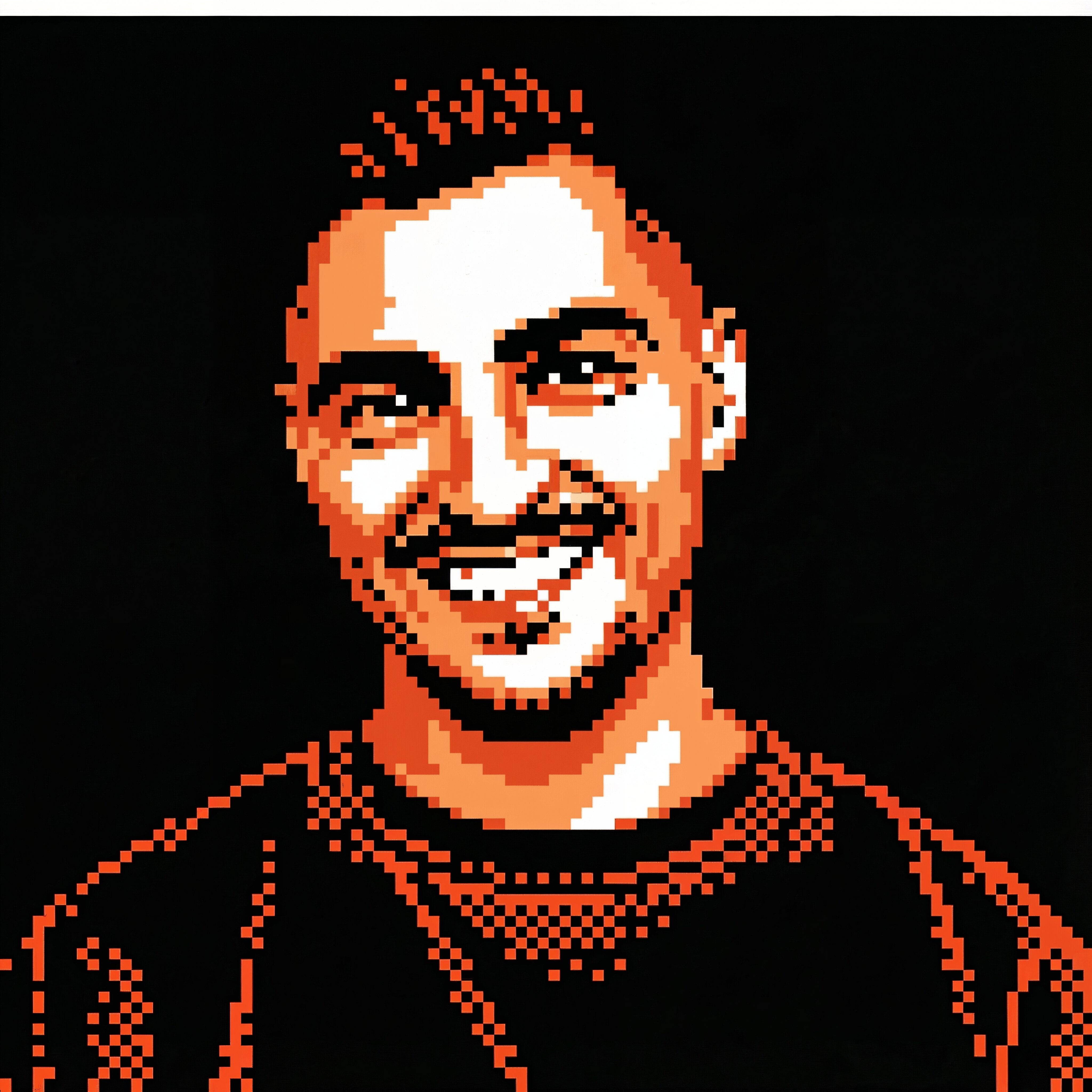
ABOUT JEREMY
I’m Jeremy Mura. I run Mura Studio, a brand and website studio, and I teach design to 100k students with 8M views across YouTube and Skillshare.
Everything in this session is what I use right now, on real client work.

DETAILS
When
Fri 30 Oct, 10am Sydney · Thu 29 Oct, 7pm ET / 4pm PT / 11pm UK
Where
Google Meet. Link sent by email.
Length
About 90 minutes, plus Q&A
Recording
Yes, every buyer gets it
Price
$47 USD
FAQ
01
Do I need to know how to code?
No. I’m a designer, not a developer. I’ll show you every step.
02
Do I need a paid Claude plan?
A Pro plan is enough to follow along.
03
What if I can’t make it live?
You get the recording and the skills pack, same as everyone.
04
What does preorder mean?
You pay now to lock your seat at $47.
05
Can I get a refund?
No refunds for change of mind. If the session is cancelled, you get a full refund.
Not ready? Get the outline and a reminder.