TL;DR
Claude can animate a logo well enough that a client might pay for it.
Start with a clean SVG so Claude can move each shape on its own.
Tell Claude the story behind the logo, not just animate this.
Use a motion reference so you get a specific effect, not a basic linear ease.
Art direct a few rounds, then render an MP4 for web and socials.
Yes, Claude can animate a logo well enough that a client might pay for it. I gave it a static logo with no After Effects and no keyframes, and I was surprised by what came back.
Then I tried it on real client logos. The first versions were good. The best ones came after I gave it a story, a motion reference and specific feedback.
If you design logos and want to add animation to your packages, here is the process I use, step by step.
Start with a clean SVG
The first step is a clean logo file. Use an SVG wherever you can.
A PNG or other image can go wrong. It might not be high quality or high resolution, and the animation will look rough.
An SVG keeps the layers separate. That means Claude can use each shape and object inside the logo and move them one by one.
Export the logo as an SVG, not a PNG.
Keep the shapes as separate layers.
Check the file is clean before you hand it over.
Tell Claude the story of the logo
Don't just say here is my logo, animate it. Give Claude context. You want a visual idea for how the logo should move.
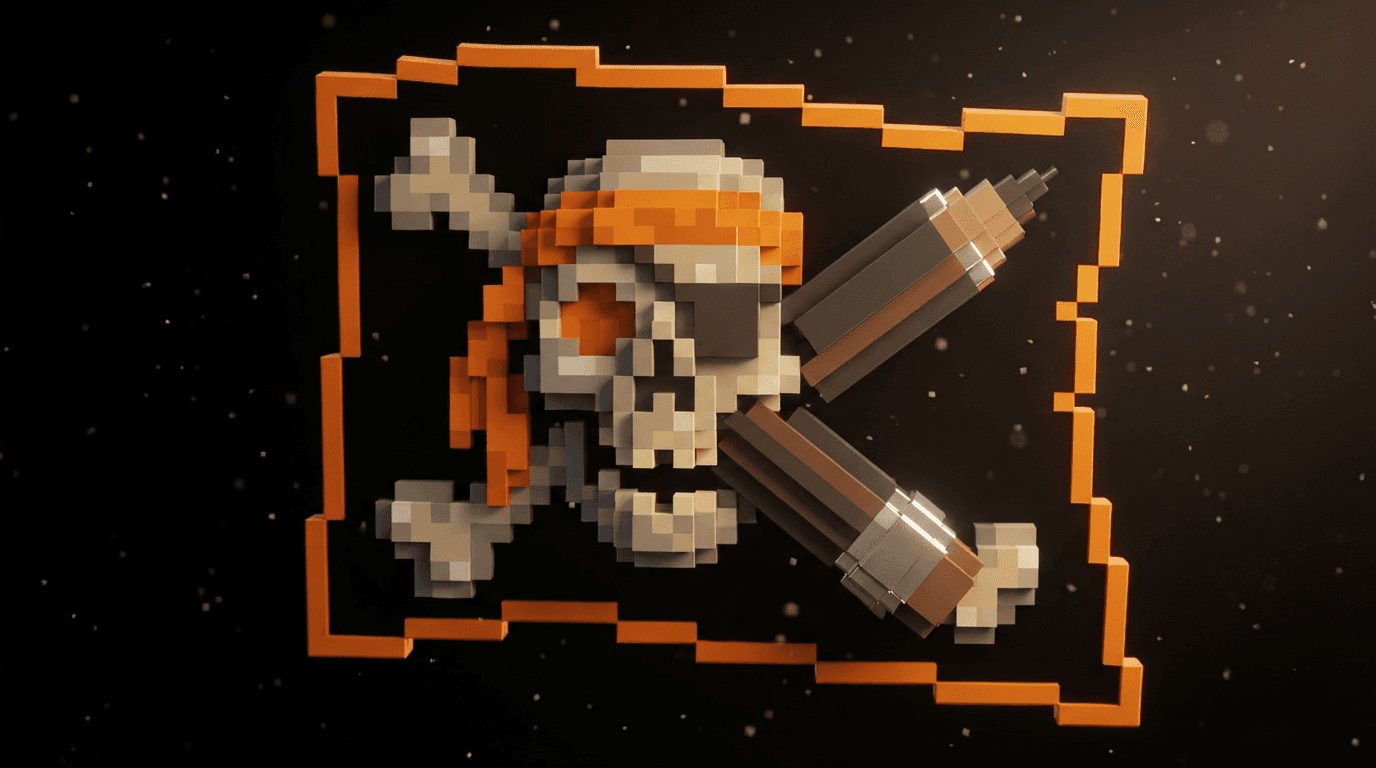
I tested this on my own logo first. I recently updated the Mura Studio mark. It is an M made of pixels.
I told Claude I wanted the feeling of each pixel being built up. I do design, and design is made of pixels. So the logo should build up block by block. It was a simple concept, nothing too deep.
Claude built the pixel animation well. The text just faded out, though. That part was weaker because I hadn't explained how I wanted the letters to appear.
With a few small tweaks, I got it working the way I wanted. Overall, I was pretty happy with the result.
The more of the story you give Claude, the less it has to guess.
Use a motion reference
If you are not sure how motion works, use a reference. I use the Motion Reference site by Takayu Studio. A designer in Japan made it, and it shows the main motion styles side by side.
It covers 3D, effects, Blender and anime styles. You can see moves like an overshoot or a bounce reveal.
This matters because Claude's default is usually a basic linear ease. That is often a bit boring. A reference lets you ask for something specific.
Open the motion reference site.
Note down the effects you like that suit a logo. Skip the web animation ones.
Note the timing you like as well.
Share the link with Claude.
Tell it the exact effect you want, like an overshoot or a bounce instead of a fade in.
Let Claude build it with HyperFrames
To build the animation, I install a skill called HyperFrames. It renders videos from HTML.
There are other motion design skills out there. HyperFrames is the one I used for every logo here.
Once the skill is installed, Claude gives you a first version. I found it pretty good on the first go.
If you are a motion designer by trade, you could probably make it ten times better. You might add more detail or a better storyboard. If you can communicate like that, you will get a better result.
Art direct the first version
Don't stick with the first round. As a designer and art director, you want to iterate.
Once the first preview comes back, do a few rounds of feedback. Comment on the spacing, the easing and the timing.
Be specific about which letter or icon you mean and what it should do. If you are vague, Claude will estimate and guess.
Here is the kind of feedback I give:
Slow down the timing by 0.5 seconds.
Add a mask so the word looks like it comes out of a door.
Make this letter pop up instead of fading in.
Use these exact hex codes for the colours.
Once you have a solid idea, make a few versions. Then take them to the client for feedback.
What it did with real client logos
Next I tried it on real client logos. Each one started with the idea behind the brand.
Logo | The idea | The animation |
|---|---|---|
Amiari | Building a house | The base goes up, the roof comes on, then the name pops out smoothly |
NextGen Unlimited | The love heart is a key icon | The words come up, then the heart fades in inside the G as a highlight |
WeGrowGyms | Growth, moving forward and scaling | The arrow comes up on a diagonal, like moving up a mountain |
Platinum Fittings | Steel and parts fitting together | The letters jump onto the framework, then the name follows with a metal polish |
The Platinum Fittings one doesn't look good on a white background. You would use it on a dark background.
I noticed two weak spots across all of them.
Letters. If I wasn't specific about how the letters or words appear, Claude used a generic slide in or fade in.
Colours. Sometimes it didn't get the colours right on a gradient or an effect. Give it the exact hex codes and check them.
Render and deliver
The last step is to render it as an MP4. That works for websites and socials.
You can render it in portrait and landscape. That gives the client a version for each place they post.
Render the final animation as an MP4.
Make a portrait version and a landscape version.
Check the colours and the background before you send it.
Would a client pay for this?
I am testing that myself. I am taking some of my old client logos, animating them and sending them over to see if the client would pay.
If they don't, I will put the animations in my portfolio to win other logo animation jobs. Either way, the work is useful.
Try it yourself. Pick one of your client logos, animate it and send it to them. See if they will pay something like $500 for it.
If you want the full workflows I use for client work, I share the tools and breakdowns in Designer School.
The bottom line
Claude can turn a static logo into an animation you could sell. The result depends on you. Give it a clean SVG, a story, a motion reference and specific feedback, and it gets close to client ready.
Questions, answered
Can Claude animate a logo?
Yes. Give Claude a clean SVG of the logo and a skill like HyperFrames, which renders video from HTML. It builds a first version you can then refine with feedback. No After Effects or keyframes are needed.
What file format should I use to animate a logo with AI?
Use an SVG. A PNG might not be high quality or high resolution. An SVG keeps the shapes as separate layers, so the AI can move each part of the logo on its own.
How do I get a better logo animation from Claude?
Tell it the story of the logo, not just to animate it. Show it a motion reference for the effect you want, like an overshoot or a bounce. Then give specific feedback on timing, easing and which letter should do what.
Why does my AI logo animation look boring?
Left to itself, the AI usually uses a basic linear ease or a simple fade in. Ask for a specific effect from a motion reference. Be clear about how each letter and icon should appear.
What format should I deliver a logo animation in?
Render it as an MP4 so it works on websites and socials. Make a portrait and a landscape version so the client has one for each place they post.
How much should I charge for a logo animation?
I am testing that by sending animated versions of old client logos to the clients. My challenge to you is to see if a client will pay something like $500. If they won't, the animation still works as a portfolio piece.

Written by Jeremy Mura
Brand designer, founder of Mura Studio and Designer School